Best Device for IPTV in 2026: Smart TV vs Firestick vs Android TV Box
Compare Smart TVs, Fire TV Stick devices, and certified Android TV or Google TV boxes for lawful IPTV streaming, 4K, travel, updates, and ease of use.
Published by the channelmoa editorial team. This article provides general streaming setup guidance and distinguishes device or regional variables where they apply.
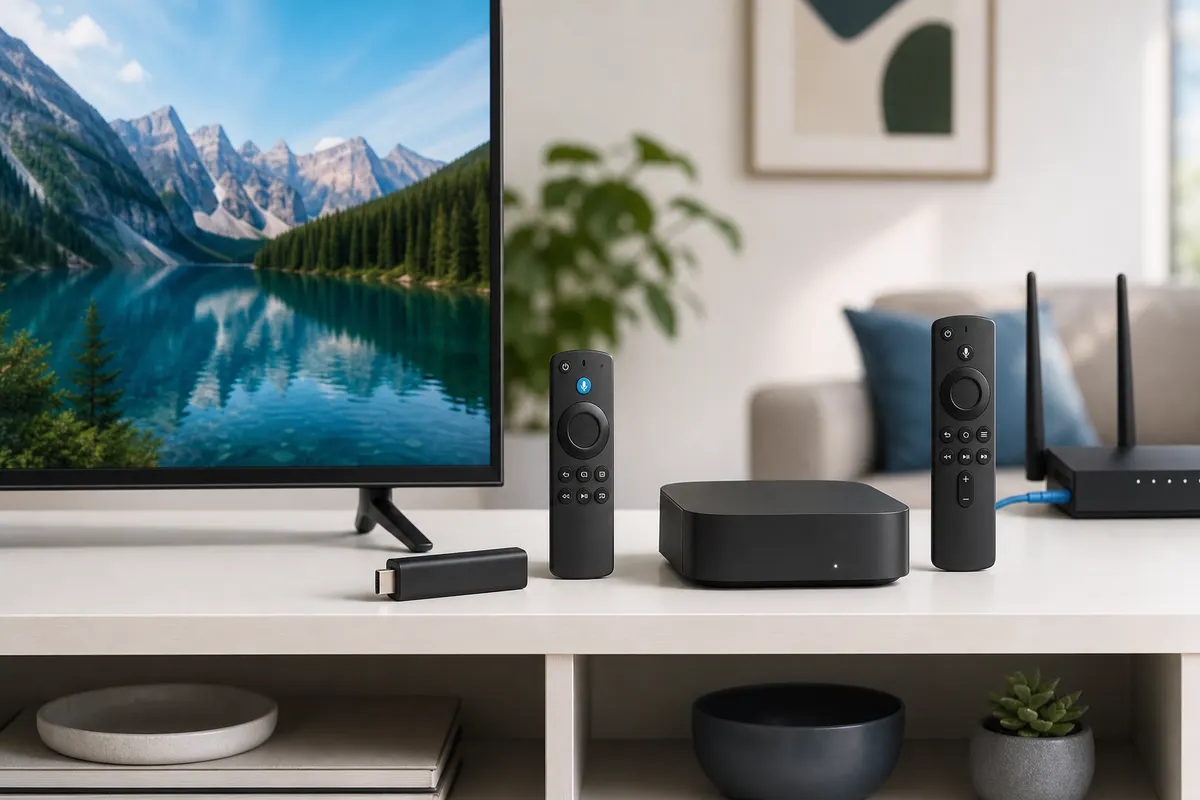
| Factor | Smart TV apps | Fire TV Stick | Certified Android/Google TV box |
|---|---|---|---|
| Setup | Fewest physical parts; availability depends on TV platform | Simple HDMI and account setup | HDMI setup plus more options to review |
| Performance | Varies widely and cannot be upgraded separately | Model-dependent, compact, adequate for focused viewing | Often offers more sustained headroom; model-dependent |
| Apps | Manufacturer store, model and region restrictions | Amazon store and platform rules | Google Play for TV and device certification rules |
| Storage | Usually limited and shared with TV functions | Usually limited; manage apps carefully | Often more flexible, but specifications and support vary |
| Networking | Wi-Fi and sometimes built-in Ethernet | Wi-Fi; Ethernet may require a compatible adapter | Wi-Fi; many boxes include or support Ethernet |
| Travel | Not portable | Highly portable, but hotel sign-in and service terms matter | Portable but bulkier with separate power and cables |
| Best fit | Simple one-remote households with a supported current TV | Portable or older-TV upgrades with modest complexity | Users prioritizing flexibility, ports, and sustained performance |
There is no universal best IPTV device in 2026
The best device for lawful IPTV viewing is the one that supports the required application and formats, stays stable on your network, receives trustworthy updates, and remains easy for the household to operate. A current Smart TV can be the cleanest answer for a beginner. A Fire TV Stick can refresh an older television or travel easily. A certified Android TV or Google TV box can offer greater connectivity and performance flexibility. None wins every category, and a powerful box is not useful if its remote, updates, or required app do not fit the viewer.
Choose by working backward from the real screen and service. Confirm the television's resolution and HDMI capability, the legitimate provider's supported apps and account method, the network available at the viewing position, accessibility needs, concurrent-use rules, and the user's tolerance for maintenance. Application availability varies by country, model, operating-system version, and store. A device name or platform logo alone never guarantees that a specific player, codec, HDR format, or service is available.
Use requirements instead of a winner label
Write down six non-negotiables: supported lawful app, comfortable remote, reliable connection, required resolution and audio, current security updates, and a realistic total budget. Then list preferences such as portability, Ethernet, voice search, extra storage, multiple profiles, or advanced playback controls. This prevents a cheap advertised price from hiding an adapter, cable, app fee, or replacement remote and prevents an expensive specification from outweighing everyday usability.
Test the weakest likely condition. For a Smart TV, that may be aging software and limited storage. For a stick, it may be Wi-Fi behind the display, heat, or restricted ports. For a box, it may be uncertain certification or an overly complex interface. The legal subscription checklist helps assess the service independently; this article focuses on the hardware decision so that provider quality and device quality are not confused.
Smart TV apps offer the simplest physical setup
A supported built-in Smart TV app eliminates a separate HDMI device, power adapter, and often a second remote. That simplicity matters in a shared room, accessible setup, wall-mounted installation, or household where viewers want to press Home and choose one app. The television can integrate input, volume, sleep, picture modes, accessibility, and streaming in a familiar interface. With a recent maintained model and a well-designed player, daily operation may be more important than winning a processor benchmark.
Setup is usually store sign-in, verified app installation, legitimate service login, and a playback test. The catch is that Smart TV is not one platform. Samsung Tizen, LG webOS, and other systems have separate catalogs, policies, hardware, and update lifetimes. Even within one brand, app availability and performance can differ by country, model year, operating-system version, and store region. Confirm the exact television rather than relying on a generic compatibility badge.
Who benefits most from built-in viewing
A beginner with a recent TV, supported app, stable network, and modest need for customization is a strong candidate. It also suits a clean installation where visible cables are undesirable and the family already understands the television remote. Built-in Ethernet, where present, can provide a straightforward network baseline. Picture controls remain on the same device that decodes and displays the video, reducing the chance that someone leaves the TV on the wrong HDMI input.
The Samsung and LG Smart TV setup guide provides platform-specific installation, login, and troubleshooting steps. Before choosing the built-in route, search the real app store, check the publisher, note available storage, and review the TV's support status. A supported app on the screen today is stronger evidence than a retailer's general statement that the television has apps.
Smart TV limitations appear as the television platform ages
Television processors and memory are designed around a complete product budget, not solely streaming-app performance. Manufacturers rarely publish every useful resource detail, and storage may be shared with system functions. Large guide databases, artwork, and app updates can make an older set feel slow even while its panel still looks excellent. You cannot normally upgrade the internal processor or memory, and platform updates may end before the display reaches the end of its physical life.
The app store is also controlled by the television ecosystem. A publisher can support current releases but withdraw an older build, and the same app can expose different features across platforms. Limited background processing may help appliance-like simplicity while constraining multitasking. Network hardware varies; some sets have capable Wi-Fi but poor antenna placement after wall mounting, while some wired ports prioritize stability rather than the fastest possible link rate.
Common Smart TV mistakes and maintenance
Do not factory-reset a television because one item buffers. First compare another authorized item, another reputable app, and Ethernet with Wi-Fi. Avoid deleting an installed player before checking whether the store still offers it. Keep free storage, use official updates, and record settings before major changes. The guide to common Smart TV setup mistakes covers login formats, DNS changes, clocks, guide data, and event-day testing in more detail.
Choose an external player when the app is missing, the system no longer receives suitable support, navigation remains slow after basic maintenance, or the built-in decoder cannot handle the required lawful source reliably. This is often more economical than replacing an otherwise good display. The television then becomes a monitor for an independently replaceable application platform.
Fire TV Stick devices balance portability and approachable setup
A Fire TV Stick connects to HDMI, uses separate power, and moves streaming applications away from the television's aging software. Its compact format is useful for an older TV with a sound panel, a secondary room, or travel where carrying a full box is inconvenient. Setup is guided, the remote is designed for sofa use, and common controls can often reduce remote switching after correct equipment configuration. Exact performance, storage, Wi-Fi capability, video formats, and update eligibility vary by model, so compare the specific generation rather than the family name.
For legitimate IPTV use, confirm the supported player appears in the Amazon app store for your actual account region and device. Do not assume a phone app has a television version or that an application available in one country appears everywhere. Use the normal store where possible, verify the publisher, and review permissions. Instructions that require disabling protections or downloading unexplained packages add security and maintenance risk.
Where a stick fits well
A stick is a practical beginner upgrade when built-in TV apps are slow or unavailable but the user still wants a guided interface and compact remote. It can also suit travel because the hardware, remote, and account travel together. Confirm that the destination permits personal streaming devices, provides accessible HDMI and power, and offers a network whose captive portal the device can complete. Sign out or forget the network afterward, respect the content service's regional terms, and never leave credentials on borrowed hardware.
A stick behind the display may experience heat and weaker Wi-Fi than a phone in the room. Use the supplied or specified power arrangement instead of relying on an underpowered television USB port. If Ethernet is important, include a compatible adapter and its capabilities in the total cost. The Firestick optimization guide explains storage cleanup, app updates, power, remote usability, and controlled cache maintenance.
Fire TV Stick tradeoffs include storage, ports, and sustained load
The compact enclosure leaves little space for ports, cooling, and expansion. Storage can fill with applications, cached artwork, and updates, so a stick works best as a focused streaming device rather than a general computer. Performance differs substantially among models and generations. Menus that feel fast after setup can slow as storage tightens or background tasks run. A specification sheet should be checked for the exact product, not inferred from a newer or more expensive sibling.
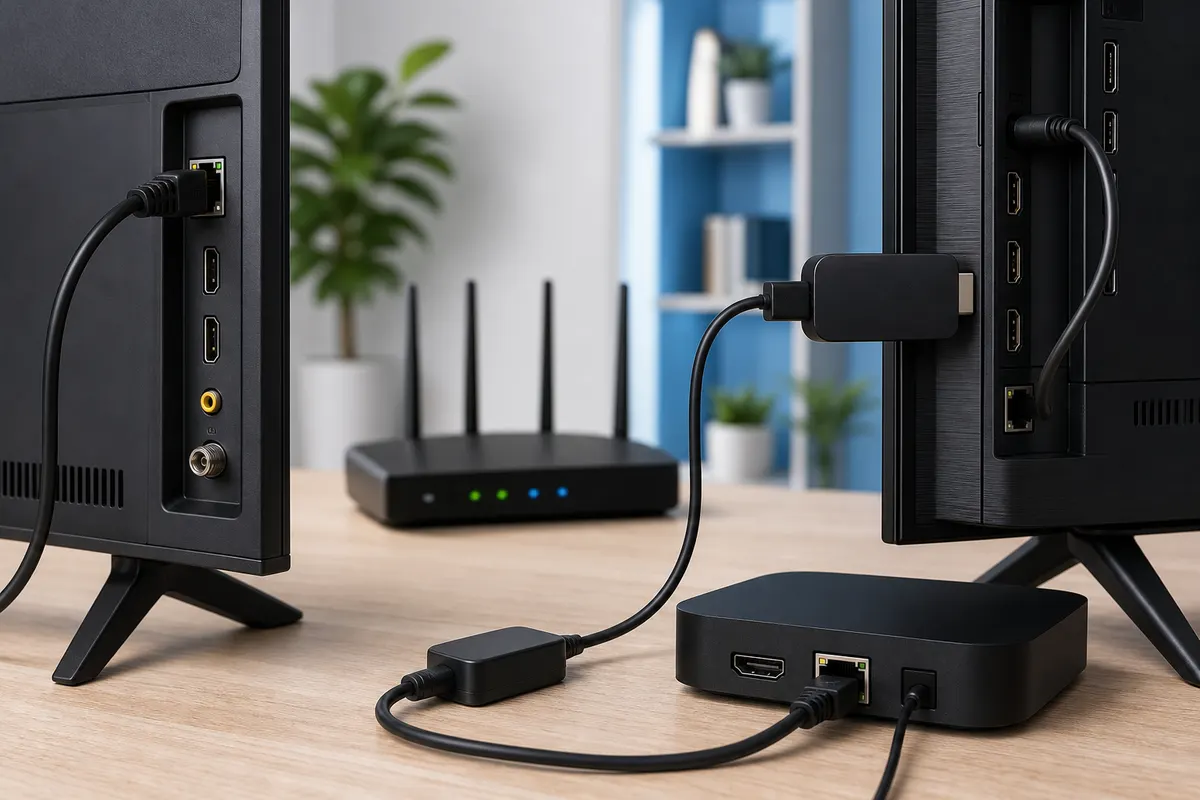
Wi-Fi is normally the default connection, and the stick's position behind a large television can be unfavorable. An HDMI extender can sometimes improve placement, while compatible Ethernet accessories add cable complexity. USB accessories and storage configurations vary in support and power demand. Avoid building an elaborate adapter chain unless it solves a measured need; a box with native ports may be simpler and more dependable.
Mistakes to avoid with a compact streamer
Do not pack the stick tightly against hot equipment, power it from an unreliable port, install numerous duplicate players, or clear application data without preserving a legitimate login. Cache cleanup may address stale temporary files, but it is not a cure for provider incidents or weak internet. Restart before changing settings, update through supported controls, and test one decoder option at a time. If every application is slow, inspect device storage, power, heat, and network rather than replacing account credentials.
For advanced users, platform restrictions can be either a benefit or limitation. A curated store and controlled update path reduce some risk, while limited ports and platform policies constrain customization. Buyers should decide whether they truly need customization or simply want reliable playback. The best choice is the least complex device that meets verified requirements, not the one with the longest list of possible modifications.
Certified Android TV and Google TV boxes prioritize flexibility
A certified Android TV or Google TV box connects through HDMI and runs a television-oriented Google platform with remote navigation. Certification matters because generic boxes advertised merely as Android may use phone-oriented software, lack expected media certifications, receive uncertain updates, or present apps that are awkward on a sofa. Confirm the device's official product documentation, regional availability, update policy, supported formats, and television app store rather than trusting a marketplace title.
A well-supported box can provide stronger sustained processing, more storage, additional ports, and more flexible networking than a built-in TV or compact stick, but none of those features is guaranteed by the platform name. Some models emphasize premium video and audio; others emphasize price. Many include Wi-Fi, and some include Ethernet or support a documented adapter. The external enclosure may handle long sessions better, but ventilation and power remain important.
Advanced capability without unnecessary complexity
A box fits users who want native Ethernet, broader application choice, responsive catalog navigation, multiple streaming profiles, or a replaceable platform for an older 4K display. It can also suit beginners when configured once by a trusted person and kept to a simple home screen. Advanced users benefit from settings and ports, but should resist installing unknown packages simply because the platform permits more flexibility. Use the television version of an app and verify the publisher.
The Android performance guide explains storage, cache, background activity, decoding, network stability, and thermal behavior. Apply those checks to the exact box. Record its OS release, security patch, firmware, free storage, connection, and app version. A certified device with modest published specifications and dependable updates may be a better long-term choice than an impressive generic specification paired with no accountable support.
Compare processor performance, memory, storage, and multitasking honestly
Streaming performance is the result of the complete path: application efficiency, catalog size, processor, memory, storage condition, decoder support, thermal design, operating system, and source. More memory can help navigation and app switching, but it cannot add a missing video decoder. Faster storage can improve app launches and guide loading, but it cannot repair packet loss. Marketing numbers should therefore be treated as inputs, not outcomes. Look for maintained software and documented format support alongside hardware.
Smart TVs often prioritize a predictable appliance workload. Sticks prioritize size, power efficiency, and price. Boxes have room for broader designs and sometimes more sustained performance. Those tendencies are not universal. Compare exact models using official specifications, and be cautious when sellers omit chipset identity, certification, security updates, or support contact information. Never rely on invented benchmark figures or customer claims that cannot be reproduced in your home.
Estimate the workload you actually have
A household that opens one live player and rarely switches apps has different needs from a user who moves between large catalogs, multiple services, local media, and accessibility tools. Write down how many applications must remain installed, whether guide data is large, whether fast search matters, and whether background downloads are expected. Leave storage headroom for updates. A device that starts nearly full has little room to age gracefully.
For multitasking, test practical behavior rather than chasing desktop-like expectations. Open the player, switch to another legitimate app, return, and see whether playback state and navigation remain usable. Television devices may intentionally close background apps to preserve resources. That can be acceptable for focused viewing and frustrating for frequent switching. Decide which behavior matters before paying for capacity you will not use.
Evaluate 4K, HDR, audio, Wi-Fi, Ethernet, and HDMI as one chain
A 4K label on the device is only one requirement. The authorized source must provide the intended resolution and format, the account and app must expose it, the decoder must support it, the HDMI path must carry it, and the display must accept and show it. HDR adds format compatibility across source, device, receiver or soundbar, HDMI input, and television. Audio passthrough creates a similar chain. Check official documentation for the exact models and connect through a known suitable input and cable.
Built-in Smart TV playback avoids an external HDMI hop, which can simplify format negotiation. External devices can provide newer decoders to an older panel but may require input configuration and compatible audio equipment. A box may offer native Ethernet, while a stick may need an adapter, and a TV's port capability varies. None of those facts determines real reliability without testing the home network and source.
Build network headroom and verify the display path
Use Ethernet as a comparison where practical, or test Wi-Fi at the final device position during normal viewing hours. Observe sustained playback, latency, packet loss, and household contention rather than only peak download speed. A newer external streamer may have better Wi-Fi than an old TV, but placement behind the screen can offset that advantage. Mesh systems depend on their backhaul, and a strong signal icon does not prove the internet path is stable.
The detailed 4K streaming requirements checklist covers bitrate headroom, decoder capability, HDMI, display configuration, and controlled testing. Avoid forcing a 4K output mode when the interface becomes unstable or the display path does not support it. Set a known compatible baseline, play a legitimate reference item, then enable HDR, frame-rate matching, or audio passthrough individually so any failure has an identifiable cause.
Remote controls and user experience determine whether the choice lasts
A technically capable device can fail the household if its remote is confusing, text entry is painful, or switching inputs requires several controls. Smart TV apps often reuse the familiar television remote and accessibility features. Fire TV and Android or Google TV remotes may offer voice search and equipment control, but exact functions vary by model, country, connected television, and account. Confirm that volume, power, back, home, directional navigation, captions, and input recovery work for the people who will use them.
Evaluate the app from a sofa. Check focus visibility, category movement, search, favorites, guide, back-button behavior, and exit behavior. A phone-oriented app that technically opens on a box may be unusable without touch or a pointer. Prefer a television interface supported by the publisher. For older viewers or users with motor or visual needs, fewer steps and consistent buttons can outweigh processor improvements.
Maintenance is part of user experience
Smart TV maintenance is integrated but tied to the display's support life. Sticks and boxes add separate system updates, power, HDMI, accounts, and remotes, yet they can be replaced independently. Choose a person responsible for updates and credential recovery. Schedule important updates before event day, not at kickoff, and test the full close-and-open routine afterward. Keep a spare remote plan that does not depend entirely on a phone already locked out of the network.
Avoid decorative home-screen complexity when the goal is viewing. Remove abandoned applications through supported controls, keep favorites purposeful, and pin the legitimate player where the household expects it. A stable routine reduces accidental purchases, look-alike downloads, and repeated support calls. Ease of use is not merely the first installation time; it is the number of decisions required every evening.
Consider security, privacy, software updates, and total cost
Every connected television device is an account and software surface. Buy through accountable channels, confirm platform certification where relevant, enable automatic or timely security updates, review permissions, and install verified applications. Use unique passwords and appropriate account protection. Do not paste private playlist addresses into unknown conversion sites or send unredacted credentials to support. Remove accounts and reset the device through official controls before sale, recycling, or transfer.
Update transparency matters more than a vague promise of future support. Review the manufacturer's current policy and product documentation, understanding that schedules can vary by model and region. A Smart TV may receive updates as a complete appliance; an external device has its own lifecycle. Generic boxes with uncertain firmware can expose risk even when the initial interface looks familiar. Certification does not eliminate all risk, but it establishes a clearer software and media framework.
Compare approximate cost without false precision
Built-in apps can have no additional hardware cost when the existing television is supported. A stick is generally the lower-cost external category, while a certified box often costs more in exchange for ports, storage, or performance, but actual prices vary by model, market, promotion, tax, and time. Include a suitable power adapter, HDMI cable if not supplied, Ethernet adapter, hub, replacement remote, and any separate player license. Do not buy a new television solely to solve an app issue before pricing a maintained external device.
Value is cost over the useful support period, not purchase price divided by marketing features. A slightly more expensive device that the household can operate and that receives reliable updates may cost less than repeated replacements. Conversely, a basic supported stick can be better value than a premium box when portability and one player are the only needs. Keep hardware cost separate from lawful content-service and application fees so each decision remains transparent.
Match the device to beginners, advanced users, travelers, and older TVs
For a beginner with a recent supported television, start with the built-in app because it minimizes equipment and remote complexity. If the app is missing or slow, choose a current supported stick with a television-oriented store and straightforward remote. Configure it with the beginner present, demonstrate home, back, favorites, captions, and proper exit, and leave a secure recovery route. Do not add advanced launchers or duplicate players unless they solve a defined requirement.
For an advanced user, a certified Android TV or Google TV box is often the most flexible candidate when native Ethernet, broader ports, responsive navigation, and greater storage matter. Verify rather than assume each feature. Advanced access also increases responsibility: avoid unknown packages, keep permissions narrow, document changes, and preserve a stable baseline. A premium box is unnecessary when the user will run one supported app over reliable Wi-Fi.
Travel, older televisions, and 4K priorities
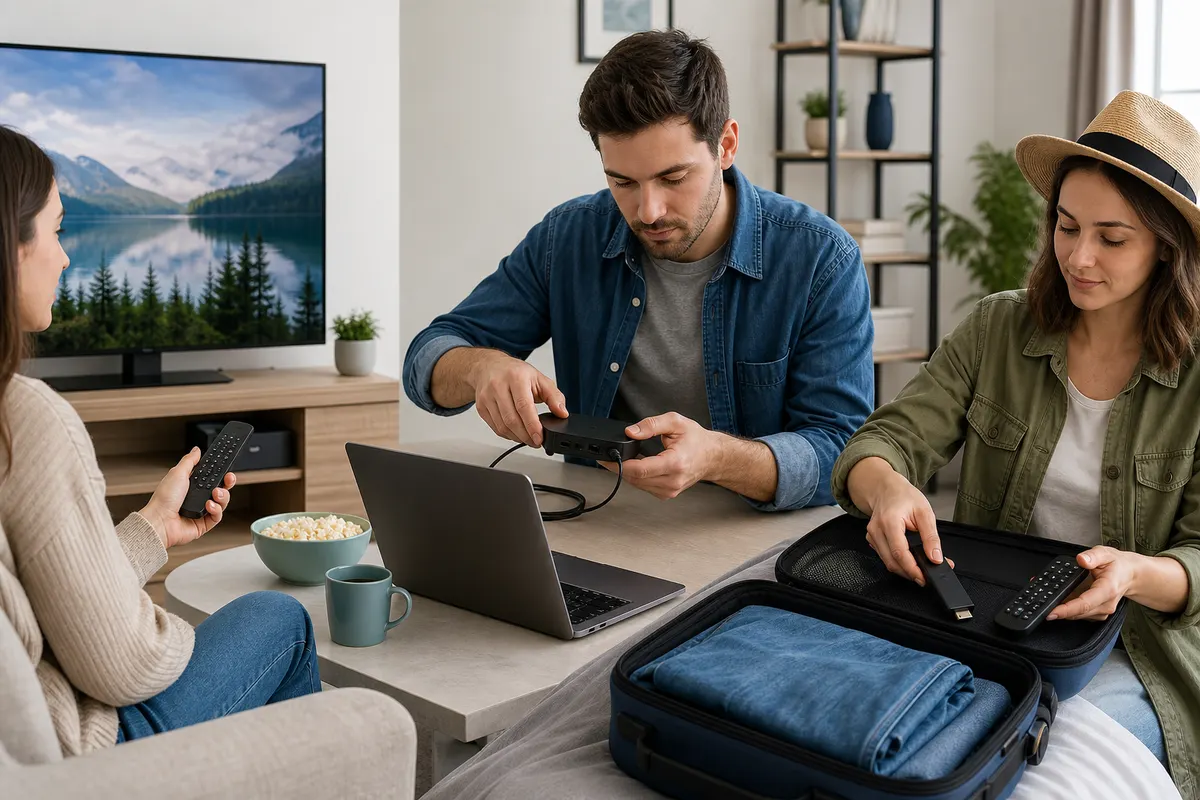
For travel, a stick usually wins on size, but bring its proper power supply and remote, verify accessible HDMI, and consider captive-portal login. A compact box can travel when Ethernet or extra capability matters, though it needs more luggage space. Never connect personal hardware where property rules prohibit it, and observe the streaming service's regional and household terms. Sign out, forget the network, and check the room for accessories before departure.
For an older television with a usable HDMI input, an external stick or box can extend the screen's life. Confirm supported resolution, content protection, audio, and remote behavior. For demanding 4K viewing, compare the exact display, decoder, HDR formats, network interface, HDMI path, and cooling; a certified box may offer headroom, a current stick may be entirely adequate, and built-in playback may simplify the chain. The right recommendation depends on evidence from the complete setup.
Troubleshoot each device class before replacing it
When playback fails, identify scope first. Test another authorized item, another reputable app on the same device, and the intended service on another supported device sequentially. Check whether menus load, authentication succeeds, video begins, audio works, and the fault affects one source or everything. This distinguishes account, catalog, app, decoder, device, Wi-Fi, internet, and service layers. The buffering diagnosis guide provides a full decision tree for this process.
On a Smart TV, inspect storage, platform updates, app availability, clock, and television-wide responsiveness. On a stick, inspect power, heat, Wi-Fi placement, storage, and adapter connections. On a box, inspect firmware, available storage, Ethernet link, background apps, and whether the installed player is actually designed for television controls. Restart before clearing data. Record credentials securely before reinstalling, and do not factory-reset until a confirmed device-wide problem justifies the recovery cost.
Make the final decision with a repeatable scorecard
Score each candidate for verified app availability, current updates, remote usability, network fit, required formats, storage headroom, portability, accessibility, maintenance effort, and total cost. Mark any non-negotiable failure as disqualifying instead of averaging it away. Then test the leading option during normal household traffic with the real app and authorized content. Keep return terms and privacy in mind, and do not expose credentials merely to perform a comparison.
The conclusion is conditional by design. Choose the Smart TV when its maintained app and simple remote meet the need. Choose a Fire TV Stick when compact size, approachable setup, or travel matters and its model has adequate power, storage, networking, and formats. Choose a certified Android TV or Google TV box when verified ports, sustained performance, application flexibility, and storage justify greater cost and maintenance. The best device for IPTV in 2026 is the least complicated supported option that satisfies your television, service, network, skills, and budget. Once the device is settled, compare channelmoa packages to match a plan length to how the household actually watches.
Sources and further reading
Related channelmoa resources
- Set up Samsung and LG Smart TVs
- Prepare a supported moa tv app workflow
- Optimize IPTV on Android devices
- Set up MAG boxes and Stalker portals
- Optimize a Firestick setup
- Check 4K streaming requirements
- Compare IPTV services before committing to a device
- Diagnose buffering before replacing hardware
- Review the legal IPTV buyer checklist
- Prepare a device for live sports streaming
FAQ
Is a Smart TV always the easiest device for IPTV?
It is often physically simplest when the exact TV has a supported, maintained application. If that app is missing, slow, or unsupported, an external device may be easier over its useful life.
Is a Fire TV Stick powerful enough for 4K viewing?
Some models support 4K formats, but verify the exact model, app, source, network, HDMI path, display, and audio requirements. A 4K label alone does not guarantee the complete playback chain.
Why should I choose a certified Android TV or Google TV box?
Certification provides a clearer television-oriented app, update, and media framework than a generic device described only as Android. You must still verify the exact model's formats, ports, support policy, and regional app availability.
Which option is best for travel?
A streaming stick is usually the most portable. Confirm hotel or property rules, HDMI and power access, captive-portal support, and service regional terms. Sign out and forget the network before leaving.
Should I replace an old Smart TV that no longer supports my app?
Not necessarily. If the panel and HDMI input remain suitable, a maintained external stick or box can replace the application platform at much lower cost than a new television.
Does more memory guarantee smoother IPTV playback?
No. Memory can help app switching and large catalogs, but decoding, storage, thermal design, software, network stability, and source quality also matter. Evaluate the complete path.
Choose for the screen and viewer you actually have
Share the television model, preferred app, network connection, viewing resolution, and user needs so channelmoa can discuss a suitable lawful device path.