Family watching a live football match on a television in their living room
Premium IPTV streaming platform

channelmoa IPTVPremium StreamingLive TV, Sports & MoviesAcross Popular Devices

Request a free trial, confirm your device setup, and start streaming with a premium IPTV platform backed by fast activation and real support.

Setup Support Guided Activation 4K Ready Device Options
Trial-first device and playback checks before you choose a package.
channelmoa packages

Choose a clear plan for your viewing routine

Compare four channelmoa plans by duration, one-device allowance, activation guidance, and available setup support.

Basic Package

3 Months

A simple starting plan for users who want three months of access to the full channelmoa experience.

$37 / 3 months
  • 6,000+ Live Channels with EPG
  • International & Premium VOD
  • PPV & Sports Events
  • 1 Device per Subscription
  • Fast activation support
Get Started

Silver Package

6 Months

A strong value option for regular viewers who want longer access without committing to a full year.

$49 / 6 months
  • 6,000+ Live Channels with EPG
  • International & Premium VOD
  • PPV & Sports Events
  • 1 Device per Subscription
  • Priority setup assistance
Get Started

Diamond Package

24 Months

The longest plan, with the lowest monthly equivalent among the package prices currently shown.

$110 / 24 months
  • 6,000+ Live Channels with EPG
  • International & Premium VOD
  • PPV & Sports Events
  • 1 Device per Subscription
  • Longest listed term
Get Started
Live + VODavailability varies by package and region
Guideddevice setup support
4K-readywhere available
5+popular device families
Why viewers choose us

A premium IPTV experience with support behind every screen

channelmoa is designed around simple package choices, useful setup preparation, and guidance for several common device families. Actual compatibility depends on the specific model, app store, software version, and package rules.

01

Trust-focused onboarding

A free trial helps confirm your device, app, and connection before you pick a package.

02

Real setup guidance

Support helps viewers choose compatible apps, configure devices, and reduce avoidable friction.

03

Built for every room

One streaming experience can support the living room TV, mobile viewing, and travel-friendly devices.

Complete IPTV service

Live TV, sports, VOD, replay, apps, and support in one polished platform

channelmoa gives viewers a familiar streaming experience with guided setup, strong device coverage, and flexible packages for homes, sports fans, and partner businesses.

01

Live TV Hub

Browse organized channel access with clear setup help, smooth navigation, and everyday viewing reliability.

02

Sports & PPV Events

Plan major match nights with event-focused guidance, responsive support, and app-ready playback.

03

Movies & Series

Enjoy a premium VOD feel with entertainment categories built for fast discovery at home.

04

Replay & VOD

Catch more of what matters with on-demand access, replay-style workflows, and simple browsing.

05

EPG Program Guide

Use a structured guide to compare channels, plan shows, and move around live TV quickly.

06

Multi-device Access

Watch on Smart TV, Android, Firestick, iOS, Windows, compatible boxes, and supported IPTV apps.

07

Reseller Workflows

Support trials, renewals, account questions, and customer onboarding with a cleaner process.

08

Setup Support

Ask for help with app choice, activation, troubleshooting, package questions, and renewals.

Device compatibility

Stream on the screens your household already trusts

channelmoa supports practical IPTV app workflows across living room screens, mobile devices, laptops, and compatible boxes. Share your device during the trial request and support will point you toward the right setup path.

  • Smart TV
  • Android
  • Firestick
  • iOS
  • Windows
  • MAG/Box
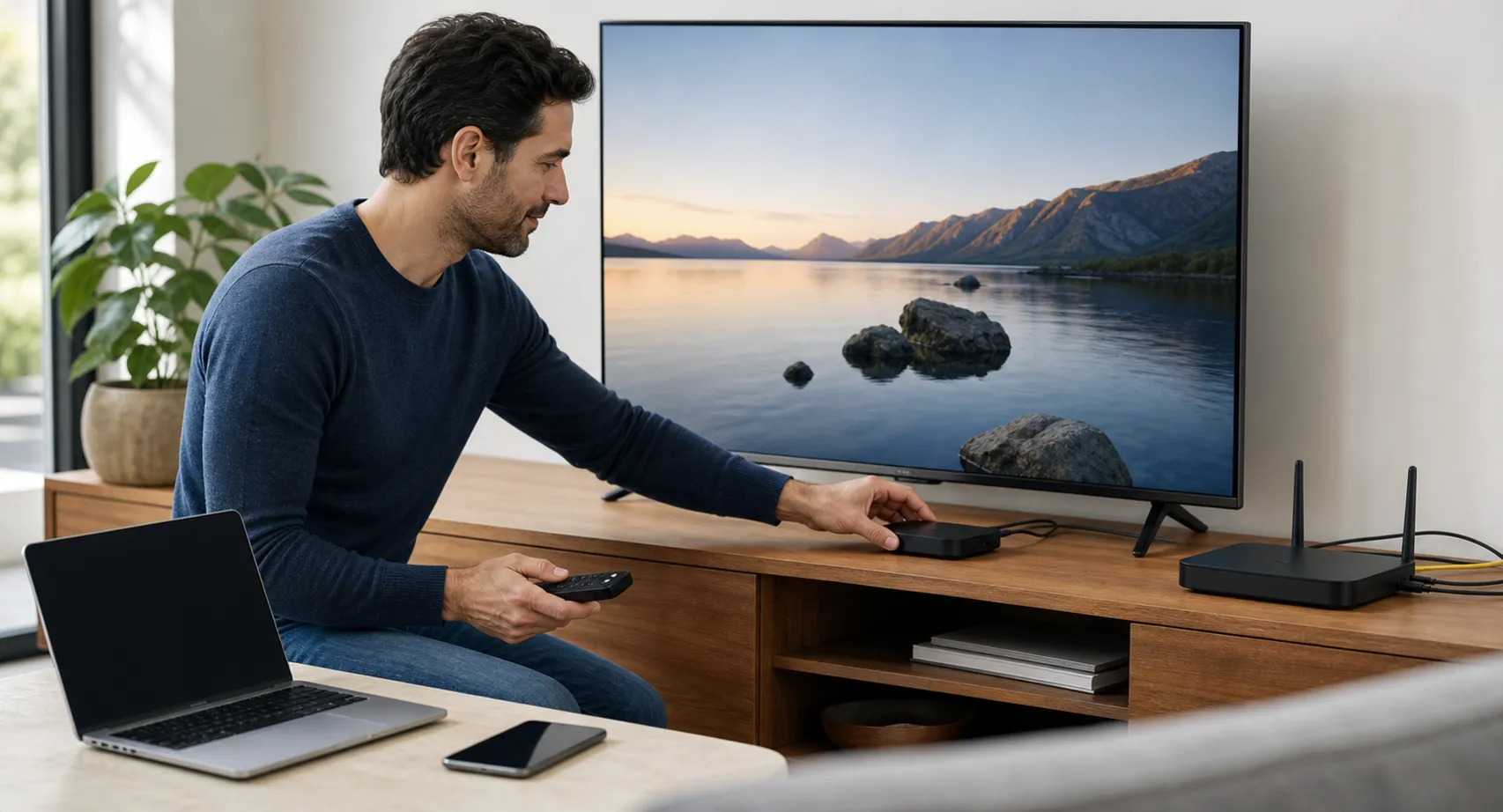
Person configuring a media box beside a television, router, laptop, and phone
Before choosing a plan

Start with the room, device, and viewing routine

A streaming package only becomes useful when it works on the screen your household actually uses. Begin with the exact television, phone, tablet, computer, stick, or media box. Record its model, operating-system version, free storage, available app store, remote-control needs, and whether Ethernet is practical. A player that feels comfortable on a phone may be awkward on a television, while an older Smart TV may benefit from a replaceable external device.

Next, decide what must work during a trial. Test sign-in, guide navigation, subtitles where available, live playback, on-demand browsing, and a normal restart. Run the test in the usual room and at the usual viewing time because Wi-Fi conditions can differ between a daytime phone test and an evening television session. The streaming-device comparison explains the hardware tradeoffs, while the subscription checklist provides a record for terms, regional availability, and support questions.

A practical setup path

Move from compatibility to a repeatable baseline

Share the full device model, country, connection type, and preferred viewing categories when requesting guidance. Support can then describe the currently available package and app workflow without guessing which platform is in the room. Confirm how the account is entered, how many devices may be registered, how many sessions may play at once, and which limitations depend on the app publisher or device maker.

After the first successful session, keep a short non-sensitive setup note: device and app version, connection type, working input, and the date of the test. Never include the password. This baseline makes later troubleshooting faster because it separates an account response from a network change, software update, or HDMI problem. For television-specific preparation, use the Samsung and LG setup guide; for a compact player, review the streaming-stick optimization guide.

Keep commercial and technical checks separate. A device test can confirm that one setup works today, but it cannot verify future programming, uptime, or regional rights. Review the current package description and applicable terms, save the details supplied for the transaction, and ask a precise question when something is unclear. That record gives the household a practical basis for deciding whether the tested configuration and subscription duration fit its needs.

Playback quality

Check the complete path, not one speed result

Playback depends on more than the advertised internet tier. The route includes the service source, internet connection, router, Wi-Fi or Ethernet link, playback device, application, HDMI path, television, and sometimes an audio receiver. A high peak speed beside the router does not rule out interference or packet loss near the television. Compare the affected stream with another authorized service, test Ethernet temporarily where possible, and change one condition at a time.

For higher-resolution viewing, confirm that the selected program is actually available at that resolution in the viewer’s region. Then check decoder support, application settings, HDMI compatibility, display input, and receiver passthrough. The buffering diagnostic guide helps classify interruptions, while the 4K signal-path guide covers the additional display and cable checks.

Support preparation

Send useful evidence without exposing credentials

When something fails, note the exact time and time zone, device, application version, connection type, affected category, and visible error. State whether other applications work and whether the issue affects one item or the whole account. A concise timeline is more useful than repeating a password or making several unrelated configuration changes. Screenshots should hide usernames, playlist addresses, QR codes, payment details, and other private information.

Major live events deserve an early rehearsal. Confirm the authorized service for the viewer’s location, account status, event time, application update, remote batteries, network conditions, and a permitted backup device before the event begins. The live-sports setup guide provides the complete workflow. Businesses supporting customers should also review the reseller operations guide before defining packages, support boundaries, records, or renewal processes.

B2B and reseller ready

Launch a cleaner IPTV resale experience without building the platform yourself

channelmoa gives partners a premium streaming brand foundation, practical account workflows, and support-ready device guidance for customers who expect quick setup and clear answers.

Explore Reseller
01

White-label friendly

Present packages with a polished customer experience.

02

Trial workflows

Qualify new viewers before they commit.

03

Renewal support

Keep accounts organized with clear next steps.

04

Device guidance

Help customers get streaming quickly.

Streaming guides

Learn before you stream

Read practical setup, package, sports, device, and troubleshooting resources from the channelmoa blog.

Viewer preparing an unbranded smart television, remote, router, and secure streaming setup
Smart TV and apps · 20 min read

Samsung & LG Smart TV IPTV Setup Guide 2026: Installation, Login, and Troubleshooting

Set up lawful IPTV streaming on Samsung Tizen and LG webOS TVs with model checks, app installation, secure login, network tuning, and troubleshooting.

Read Guide
Unbranded Smart TV, HDMI streaming stick, and television box arranged for a balanced device comparison
Streaming devices · 21 min read

Best Device for IPTV in 2026: Smart TV vs Firestick vs Android TV Box

Compare Smart TVs, Fire TV Stick devices, and certified Android TV or Google TV boxes for lawful IPTV streaming, 4K, travel, updates, and ease of use.

Read Guide
Television screen displaying IPTV playlist configuration options for M3U URL and Xtream Codes API
Smart TV and apps · 24 min read

M3U Playlist & Xtream Codes API Setup Guide 2026: Syntax, EPG Integration & Error Fixes

Learn the technical differences between M3U playlist URLs and Xtream Codes API endpoints. Master credential syntax, EPG XMLTV setup, and fix authorization, 404, and parsing errors.

Read Guide
Helpful answers

channelmoa IPTV FAQ

Quick answers about IPTV streaming, apps, devices, trials, playback, login safety, and reseller options.

How does channelmoa address programming rights?

channelmoa presents its packages for rights-aware use and asks customers to confirm current content and regional availability before purchase. The website does not provide independent verification of licensing for every program or territory.

Which devices work with channelmoa IPTV?

channelmoa supports common IPTV app workflows for Smart TV, Android, Firestick-style devices, iOS, Windows, and compatible set-top boxes.

Can I try channelmoa before choosing a package?

Yes. You can request a free trial so support can confirm your app, internet connection, and preferred device are ready before you choose a package.

Does channelmoa support 4K IPTV streaming?

channelmoa is 4K-ready where source availability, device capability, app performance, and internet speed all support higher-resolution playback.

Does channelmoa offer IPTV reseller options?

Yes. channelmoa offers reseller-friendly workflows for businesses that need account management, renewals, trial handling, and customer support processes.

Is channelmoa related to moatv or the moa tv app?

channelmoa is its own professional streaming platform. If you searched for moatv or a moa tv app, confirm the provider and app details with channelmoa support before entering account information.

How should I handle an IPTV login to watch World Cup coverage?

Use only the official channelmoa login and programming included under applicable distribution rights. Availability varies by location and package, so contact support before an event to confirm authorized coverage.