Blog category

Streaming performance

Diagnose playback methodically before changing applications or accounts. The buffering guide separates network, Wi-Fi, device, application, and delivery symptoms, while the 4K guide checks the complete path from available source quality through the player, HDMI connection, display, and audio equipment.

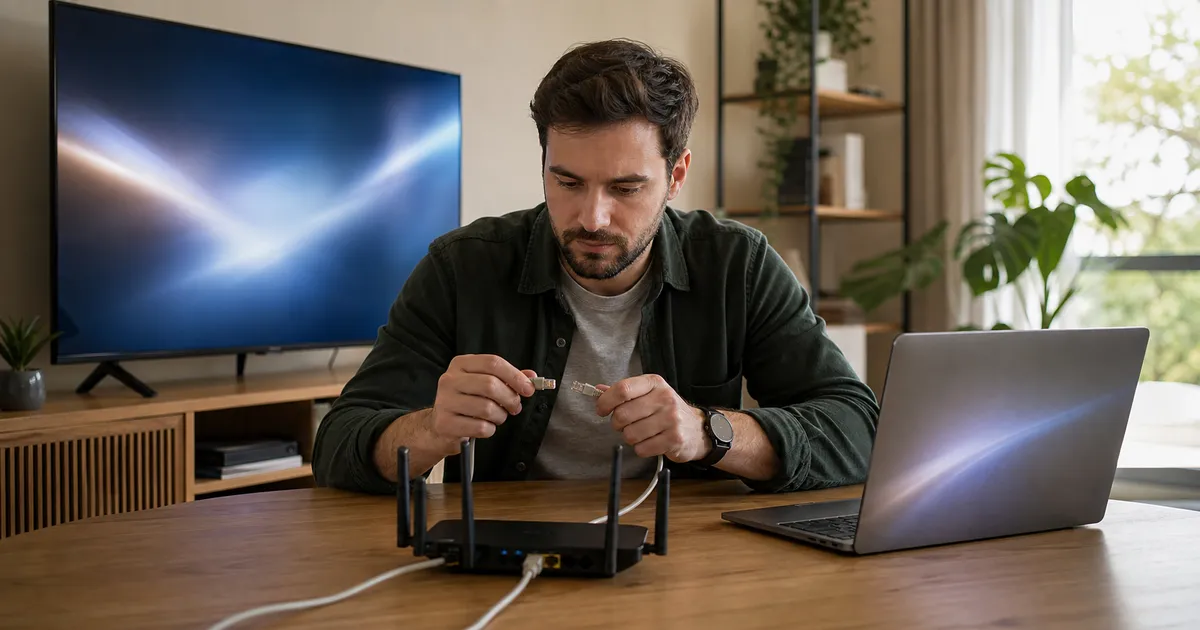
Person testing an Ethernet cable between a home router, laptop, and television
Streaming performance · 12 min read

IPTV Buffering Root Causes: How to Find the Real Problem Before Blaming the Service

Diagnose IPTV buffering by separating internet, Wi-Fi, device, app, routing, peak-time congestion, server load, and playback-setting problems.

Read Guide
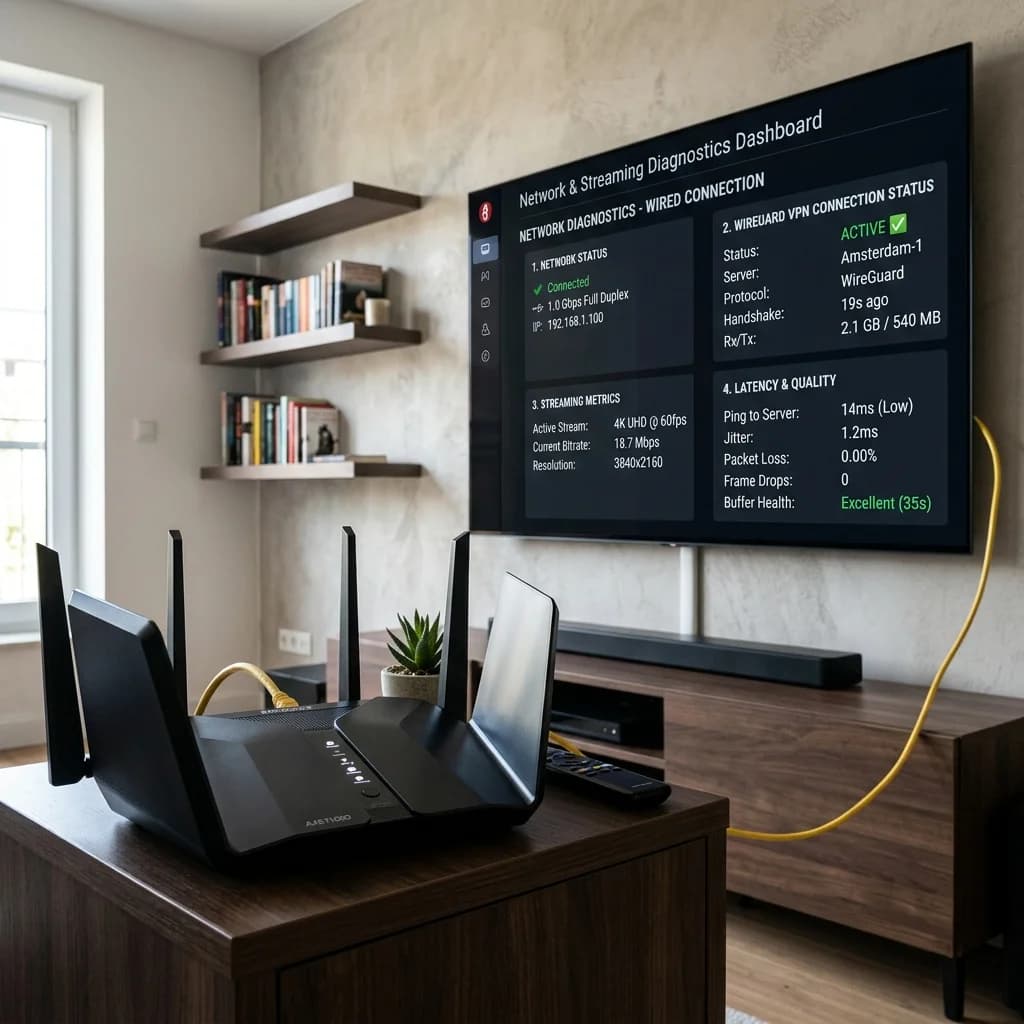
Person viewing a 4K home entertainment setup with a television, soundbar, router, and media box
Streaming performance · 12 min read

4K IPTV Streaming Requirements: Internet, Device, App, and Display Checklist

Check bandwidth, network stability, decoding, HDMI, display, app settings, and account requirements before choosing reliable 4K IPTV streaming.

Read Guide